November 11, 2026
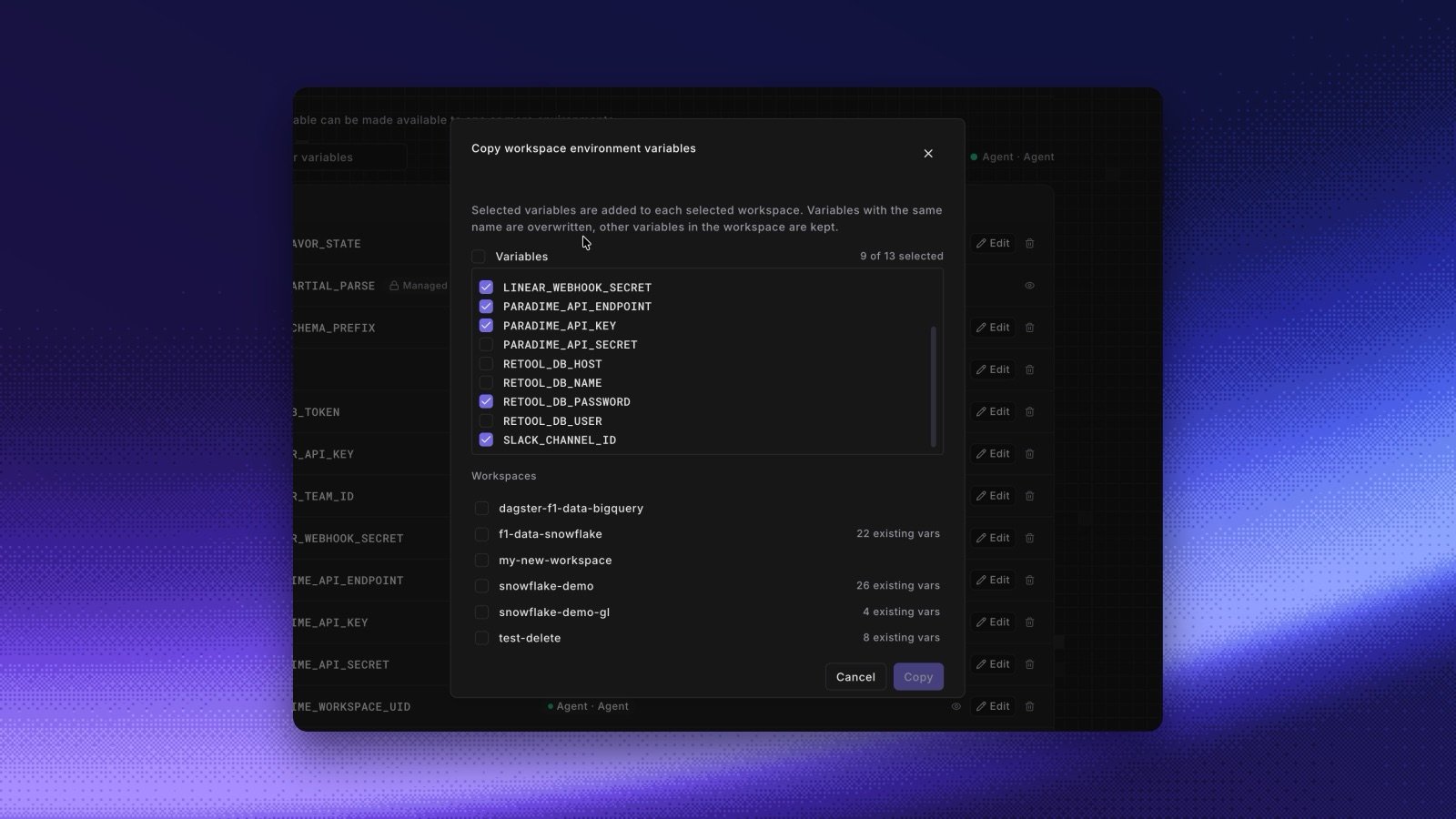
The Copy workspace environment variables dialog with 9 of 13 variables selected and a list of target workspaces
Copy some of your variables. When you copy environment variables to another workspace, a Variables checklist now lets you pick which ones to copy. All of them are selected at the start.
  • The copy is a merge. Paradime adds the selected variables to the target workspace and keeps the targetโ€™s other variables. Before, a copy replaced the full set.
  • If a selected variable already exists in the target, Paradime lists it under These variables already exist and will be overwritten:, and the button changes to Overwrite & copy.
See Copy variables across workspaces. Copy a connection into the same environment. In Copy connection details, the source environment is now first in the list, marked current environment. Pick it to add a second connection next to the original, for example with a different target or schema. See Copy a connection. Shipped in Paradime v6.25.0.