

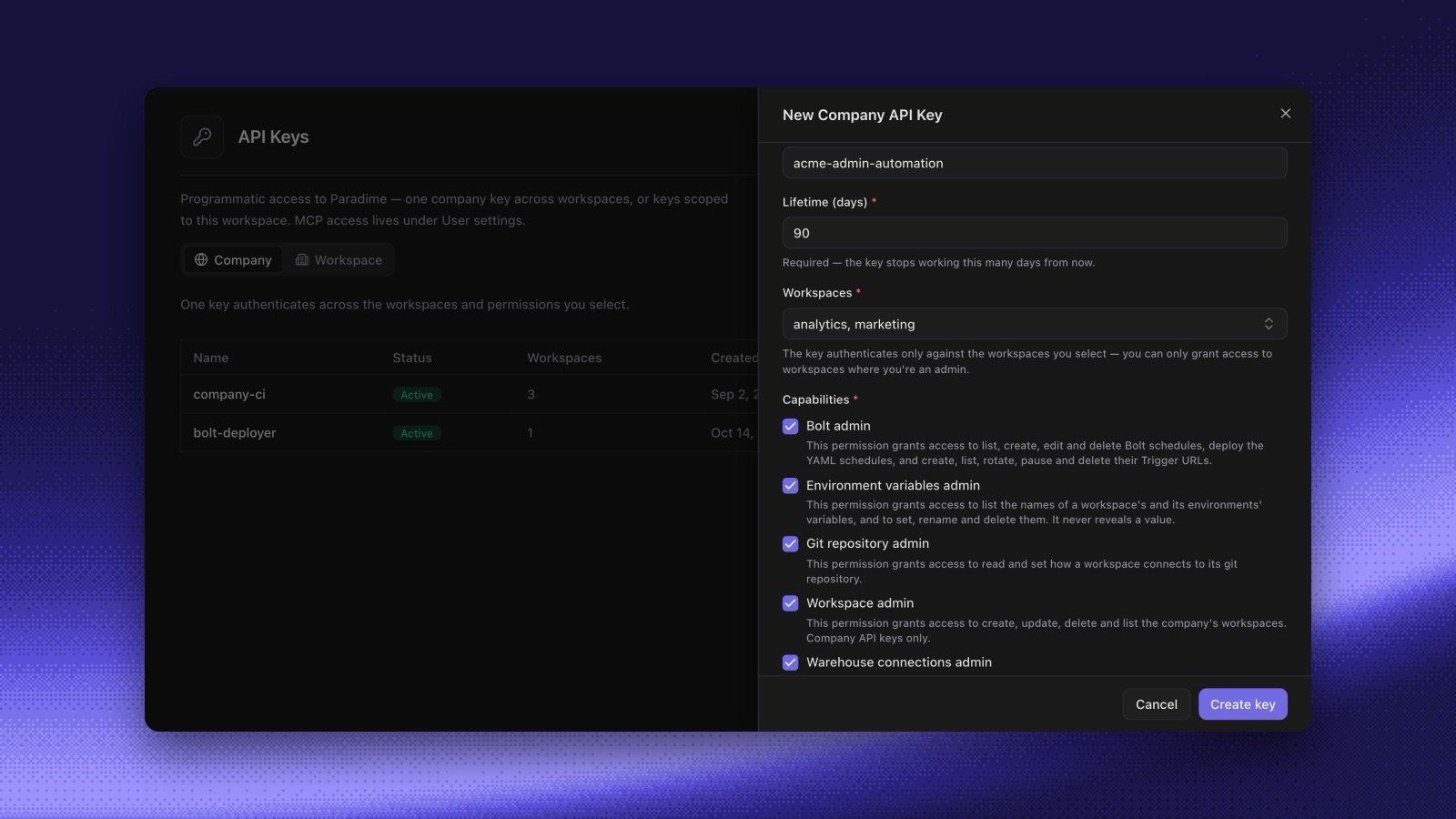
- On every plan. Invite users and change their roles, manage Bolt schedules and Trigger URLs, deploy YAML schedules, manage DinoAI agents, settings, and budgets, create and revoke API keys, and read a workspace’s setup status.
- On the Enterprise plan: onboard a workspace with API calls only. Create a workspace, connect its repository and warehouses, create environments and environment variables, deploy Bolt schedules, invite users, and read which setup steps are still missing. See Onboard a workspace with the API.
- On the Enterprise plan: run it day to day. Manage Slack alert destinations, BI, ETL, and observability integrations, and external secret managers. Read Bolt and DinoAI usage per workspace and period.
- The same endpoint and keys. The Administration API runs on the GraphQL endpoint and the API keys that you already use. Each area has its own capability group, so a key gets only the access it needs. A key can never create a key with more access than its own.
- Built for automation. Errors carry a code in
extensions.code. Lists are paged. Long work, such as connecting a repository or deploying schedules, returns a job that you poll withadminJob. Secrets are write-only. Every write is in the audit log, with the API key as the actor. See Conventions. - Python and the CLI. The Python SDK has
paradime.admin, and the CLI hasparadime admincommands for the same operations. See Admin client and Admin CLI.